For teams without desks
Clear work instructions. Right where work happens.
Give your team instructions they can follow on the spot. Onceright brings clear steps, photos and checklists together on their phones.
See how it worksThe right procedure. Close at hand.

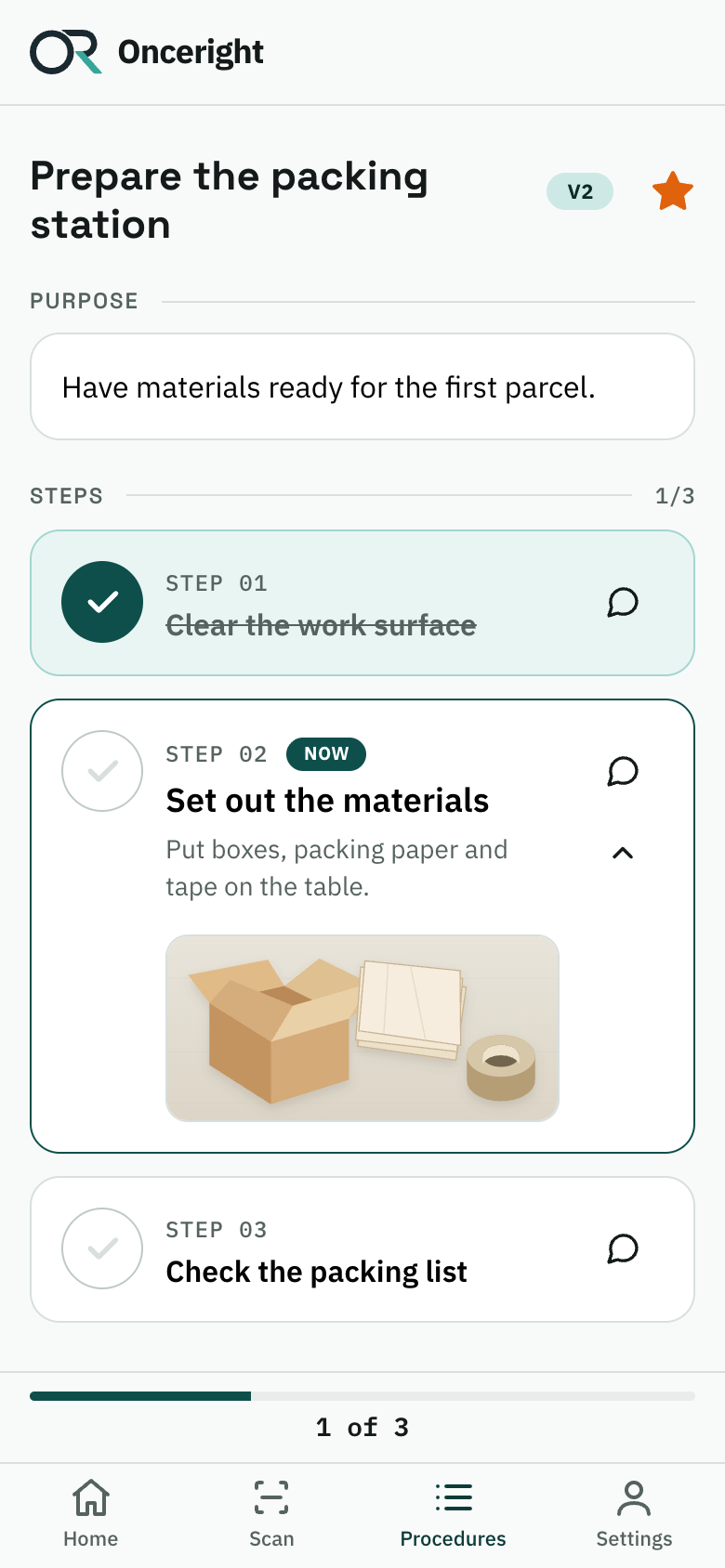


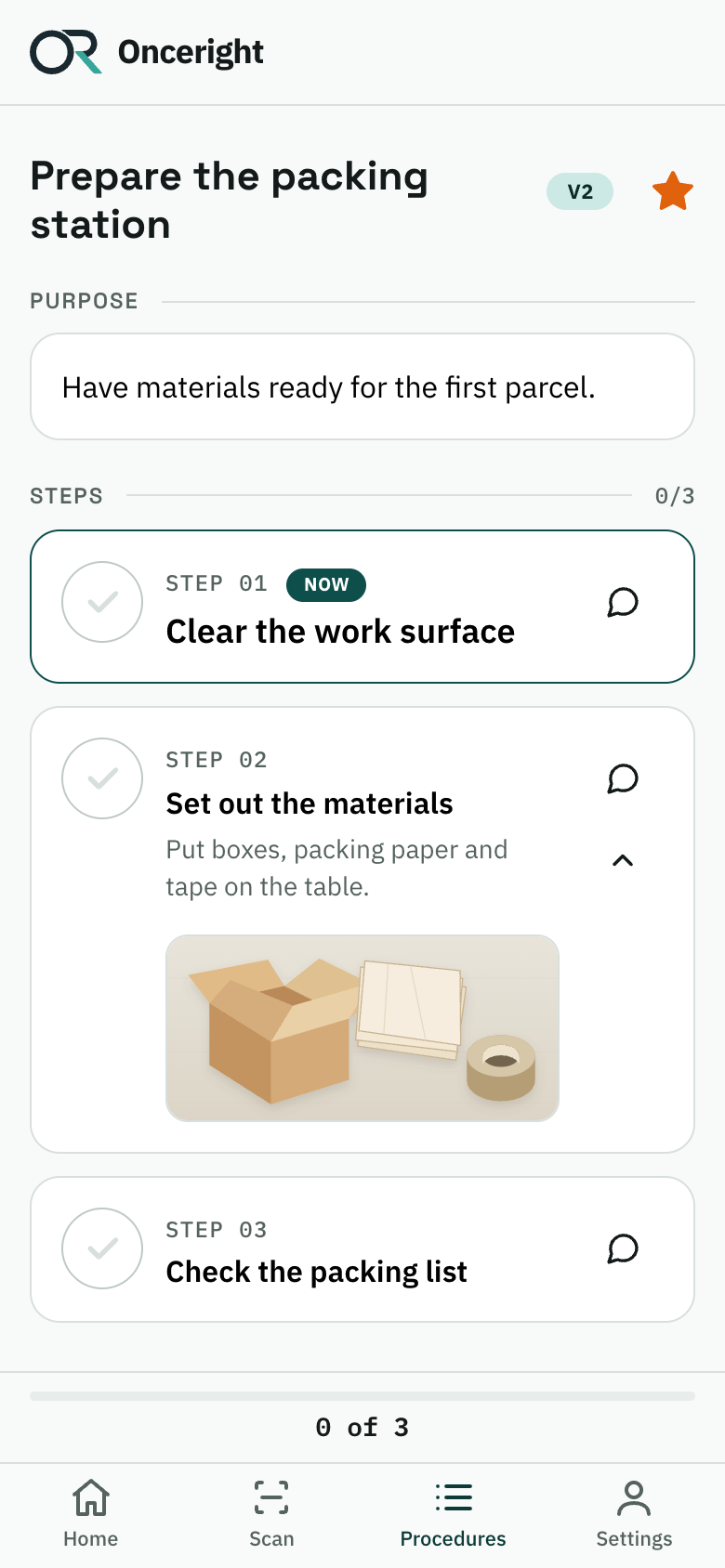
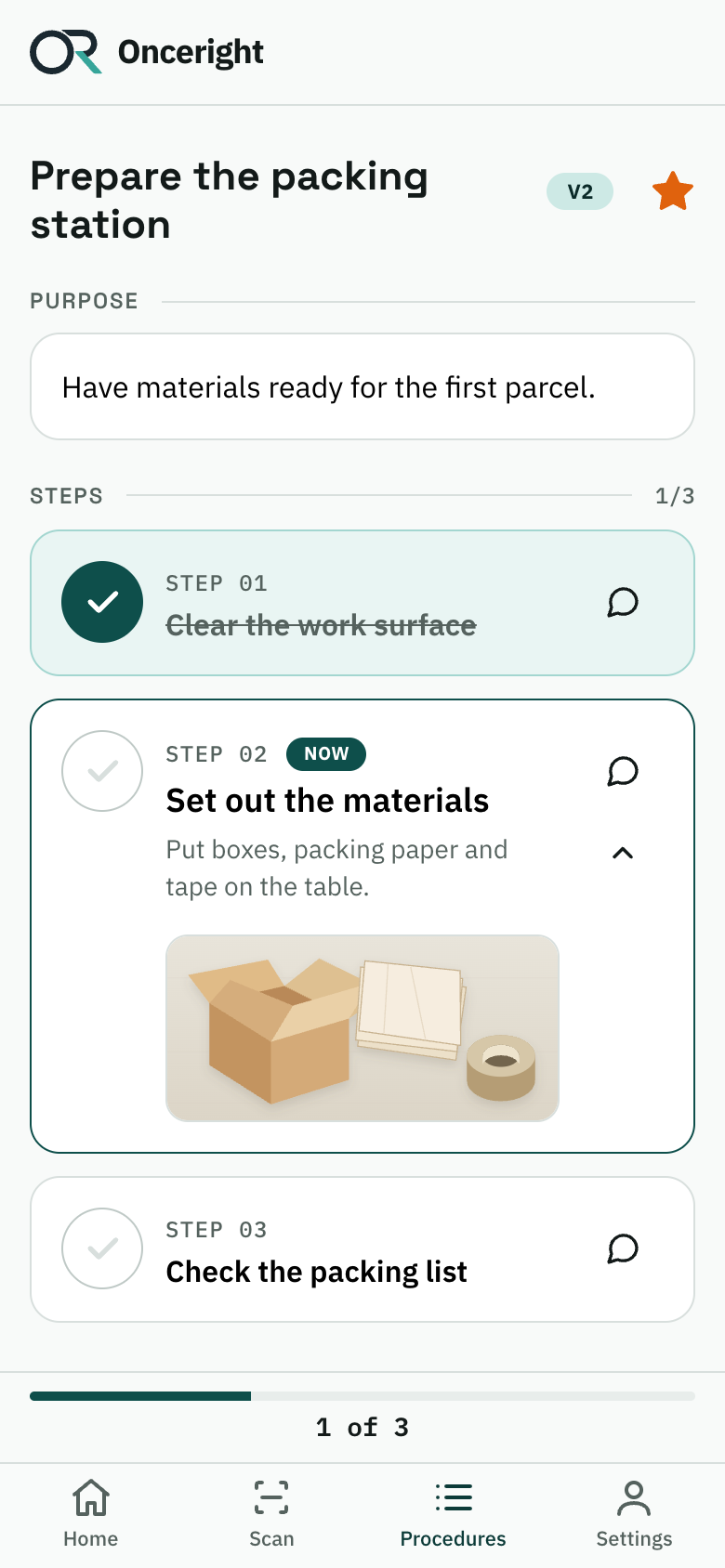
- At work
- Scan
- Follow the steps
From instructions to actionAt the workbench, on the warehouse floor or when the next shift takes over.
How it works
A procedure to follow. One step at a time.
Place a QR code where the work happens. Your team opens the instructions on a phone and checks off each step as they go.
- 01
Find the right instructions
Scan the procedure’s QR code at your workplace. When you’re logged in, it opens the procedure your account has access to.
- 02
See what needs doing
Read the purpose and follow the steps. Tap a step to open its explanation and see the photos.
- 03
Check off as you go
Tap the circle when a step is done. See how far you’ve come and which step is next.
Not logged in? Log in first, then scan the QR code again.
In everyday work
When someone asks “How do we do this?”
Put the answer where the question comes up. A new colleague can follow the steps. An experienced one can quickly check a detail.

Find it without asking around
Search the library or open a folder. Star the procedures you use often so they’re easy to find again.
Show what words can’t explain
Add a photo to a step, such as how to arrange materials at a packing station. Your colleague can open it when they need it.
Find out what needs to be clearer
Leave feedback directly on a step. Editors and admins can find the message in the app’s feedback inbox.
For the people responsible for procedures
Bring knowledge together. Keep instructions up to date.
Give your team a shared library. Create and review instructions on a phone or computer.

One library for the team
Organise procedures in folders. Search titles, purposes or tags. Filter by published procedures, drafts and items waiting for review.
From draft to published
Editors create procedures and submit them for review. An admin can return the draft or approve and publish it.
See how procedures are used
Admins can track views, QR scans and checklist runs. The overview also shows procedures awaiting review or not yet used.
Good to know
A few common questions
Knowledge put to work
Make the next step clear.
See how Onceright brings work instructions to the place where the job gets done.